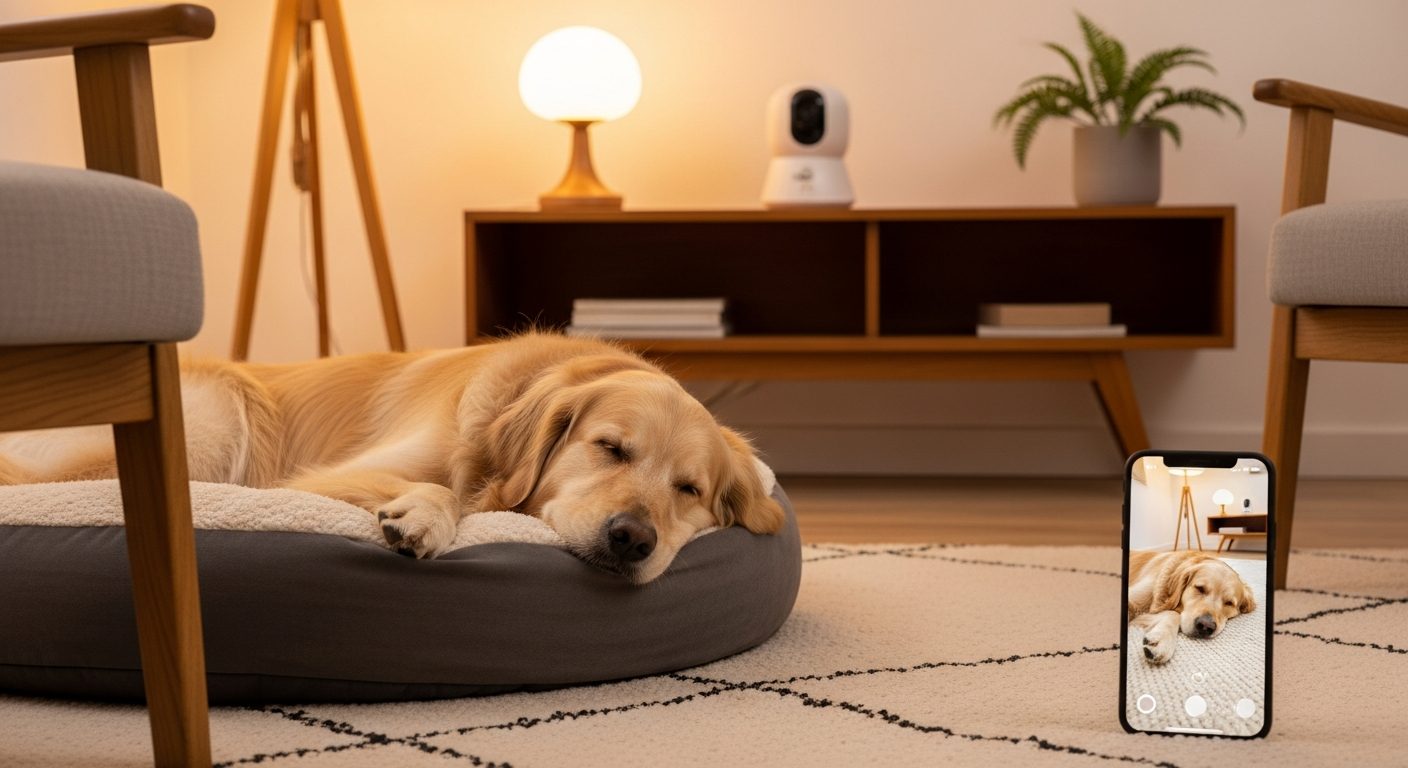
There is a specific kind of knot that forms in your stomach when you close the door and lock it. You hear the click of the deadbolt. You pause, listening for the whine, the bark, or the scramble of paws. You walk to your car, but your mind is still in the living room. Is he pacing? Is he stuck behind the couch? Is he howling?
When you have a senior dog with Canine Cognitive Dysfunction (CCD) or separation anxiety, leaving the house feels like abandoning a child. The guilt is suffocating.
I used to spend my entire workday wondering if my dog was okay. I would rush home, dreading what I might find—a soiled rug, a destroyed door frame, or a dog hyperventilating in panic.
Then, I bought a camera.
It didn't cure his dementia. It didn't fix his anxiety. But it cured my anxiety.
In This Guide:
Part 1: The "Senior Spec" (What You Actually Need)
Don't get distracted by the marketing. If you are monitoring a dog with CCD, you need three specific things.
1. Superior Night Vision (The #1 Priority)
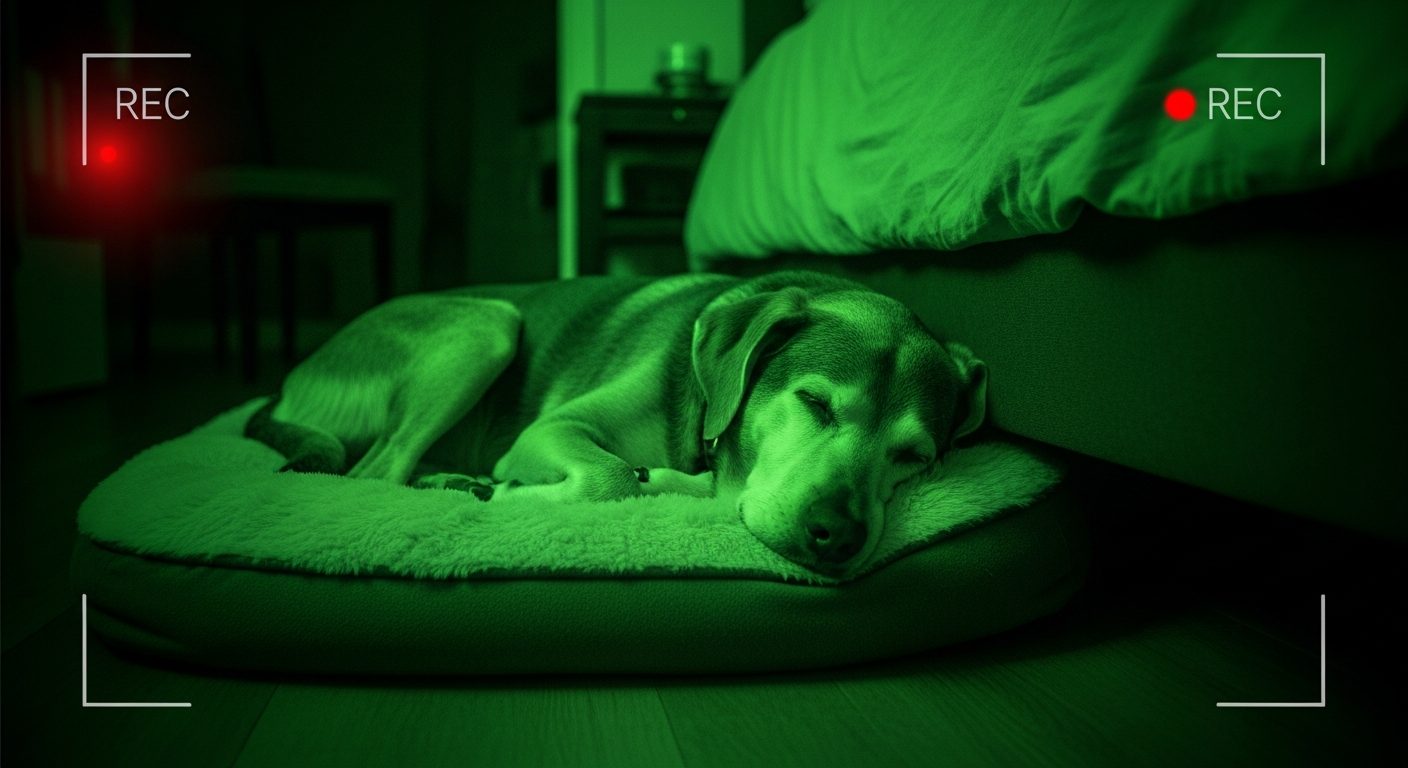
Most dog cameras are designed for day use. But dementia peaks at night (Sundowning). You need a camera that can see clearly in pitch blackness. If your dog starts pacing at 2 AM, you want to check the feed without turning on a light and waking them up.
The Test: Can I see if he is breathing, or is he just a blurry blob?
2. Smart "Bark Alerts" (Not Just Motion)
A standard security camera sends you a notification every time a shadow moves. You will get 50 alerts a day and stop checking them. You need AI that specifically recognizes Barking or Howling. You want to know if your dog is in distress, not if they just walked to the water bowl.
3. The "Two-Way Audio" Trap
Every camera has this, but you need to be careful.
The Trap: For some dogs with dementia, hearing your voice from a "ghost box" terrifies them. They look for you, can't find you, and panic more.
The Feature: You need a camera with crisp audio so you can listen to them. Only speak if you know it calms them.
Part 2: The "Gold Standard" (If Budget is No Issue)
If you want the Apple-level experience with specific "Nanny" AI features, this is the heavy hitter.
The Furbo 360° Dog Camera
Why it's the top pick: The Furbo isn't just a camera; it's a baby monitor for dogs. The standout feature for seniors is the Smart Alerts. It doesn't just tell you "Sound Detected." It tells you:
- "Dog is howling" (Sign of pain/distress)
- "Dog is pacing" (Yes, it tracks continuous movement!)
- "Dog is barking"
The "Treat Toss" Feature:
I was worried the mechanical noise of the treat tosser would scare my skittish senior.
Verdict: It is loud. However, you can record your own voice to play before the toss ("Hi buddy, here's a treat!"). For food-motivated seniors, this is a great way to distract them from anxiety attacks remotely.
Pros:
- 360° rotation (it follows the dog).
- Incredible night vision (Color Night Vision).
- Real-time Barking Alerts are the fastest in the industry.
Cons:
- Expensive ($150+).
- The advanced alerts (like "Pacing Detection") require a monthly subscription ($6/mo).
Part 3: The "Budget King" (Best Value)
If you don't care about tossing treats and just want to see your dog clearly for under $40.
The Wyze Cam v3
Why I love it: I have three of these scattered around the house. They are tiny, magnetic, and the picture quality is shockingly good—better than cameras that cost three times as much.
The Senior Benefit: The Starlight Sensor. Most cameras switch to grainy black-and-white infrared at night. The Wyze Cam sees in Full Color even in very low light. This is huge for checking on a sleeping senior in a dim room. You can see if their eyes are open or closed.
Pros:
- Extremely cheap ($30-$40).
- Best-in-class Night Vision.
- Free basic motion alerts.
Cons:
- No treat tossing.
- It doesn't rotate (you have to point it where you want it).
- Setup can be a little "techy" compared to the plug-and-play Furbo.
Part 4: The "Privacy" Pick (No Subscription)
If you hate the idea of paying a monthly fee or having your video clips in the cloud.
The eufy Security Solo IndoorCam
Why it's unique: It records to a local SD card in the camera. No cloud subscription fees.
The Senior Benefit: The Motion Tracking. When your dog gets up and walks across the room, the camera physically rotates to follow them. If you have a "pacer" (a dog who walks laps due to dementia), this ensures they don't walk out of frame. You can watch their entire lap to see if they are stumbling.
Pros:
- One-time purchase (No monthly fees).
- 2K Resolution (Very sharp image).
- Follows the dog automatically.
Cons:
- The motor makes a tiny whirring noise when it rotates (might annoy sound-sensitive dogs).
Part 5: A Warning About "Talking Back"
One afternoon, I checked my camera and saw my dog pacing by the door, whining. My instinct kicked in. I pressed the microphone button and said, "It's okay buddy! Go lie down!"
I expected him to settle. Instead, he froze. He looked around the room frantically, tail tucked. He barked at the ceiling. He started running from room to room looking for me.
I had made it worse.
The Lesson: For a dog with CCD, object permanence is fading. They hear your voice, so they think you are there. When they can't find you, it confirms their confusion: "I hear her, but I can't see her. Am I crazy? Where is she?"
My Rule: Use the camera to Listen and Watch. Only use the microphone if you have tested it while you are home (in another room) and know your dog finds it soothing. For 80% of dementia dogs, the ghost voice adds to the stress.
Part 6: How to Set Up Your "Monitoring Station"
Don't just put one camera on the mantle and hope for the best.
1. The Angle Matters
Don't put it up high on a shelf. Dogs live on the floor. Place the camera at doorknob height or lower. You want to see their face, not the top of their back. You need to see if they are panting (anxiety) or just sleeping.
2. Cover the "Danger Zones"
If you have a "pacer," put the camera where they get stuck. I put a Wyze Cam pointed directly at the space behind the sofa. Why? Because if I saw him stuck there while I was at work, I could call my neighbor to go help him.
3. The "DND" Mode
Set the alerts so they don't fire when you are home. There is nothing more annoying than your phone buzzing every time you walk past your own camera. Most apps have a "Home/Away" geofencing feature—use it.
Summary: Buying Peace of Mind
Is a $150 camera worth it?
If it saves you from leaving work early because you thought something was wrong? Yes. If it lets you enjoy a dinner out without checking your watch every 10 minutes? Yes.
The camera isn't really for the dog. The dog doesn't know it's there. The camera is for you. It allows you to be a caregiver without being a prisoner.
My Recommendation:
- Big Budget / Want Alerts: Get the Furbo 360°. The "Howling" alerts are lifesavers.
- Budget / Just want to check in: Get the Wyze Cam v3. Buy two of them for coverage.